
Opera
Opera is a free web browser for Windows from Opera Software. The stable release is 136.0.6008.22, published on 17 September 2026.
133.1 MB

The DuckDuckGo browser for Windows is a privacy-focused browser from the company behind the DuckDuckGo search engine.
Average 0.0 · ratings: 0
Thank you! Your rating is saved; you can change it. Could not save the rating. Please try again later. Too many ratings from your network today. Please try again tomorrow. The average appears after 5 ratings.
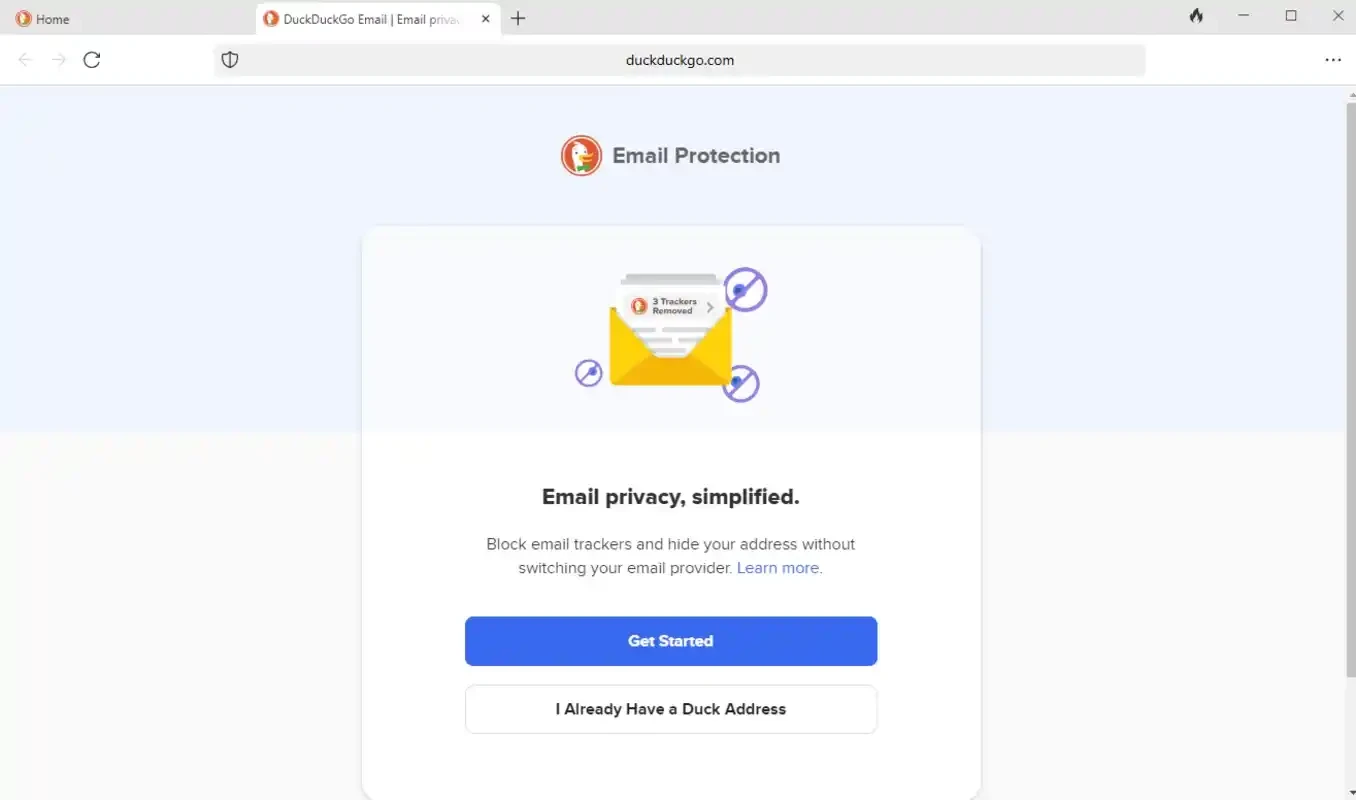
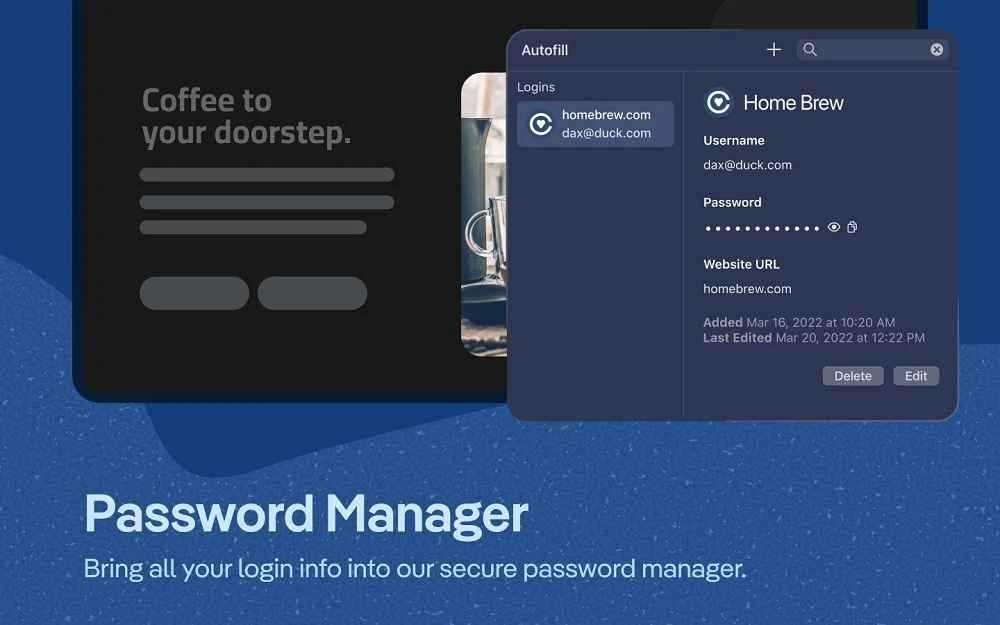
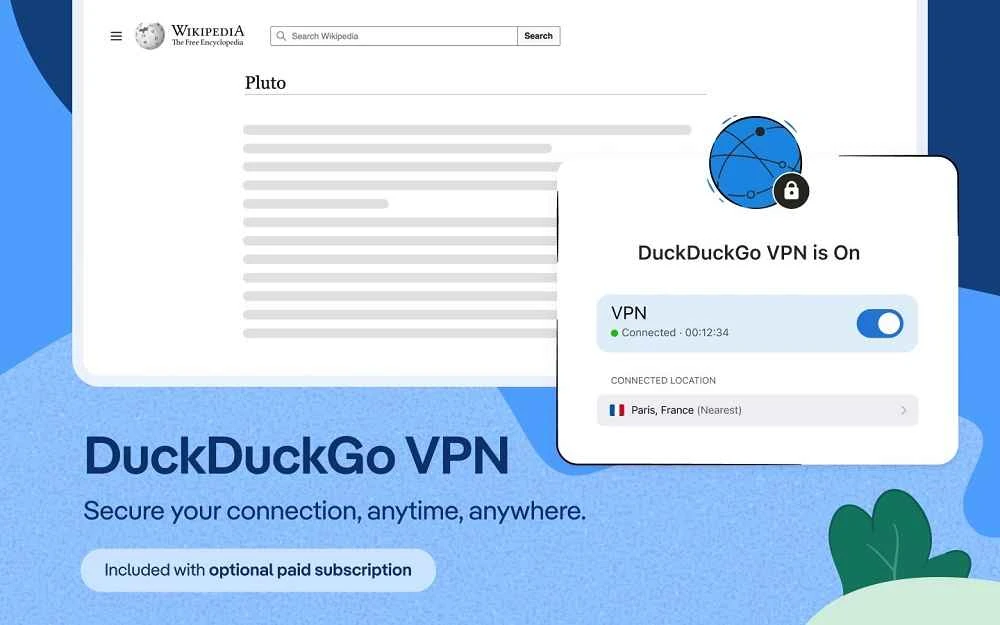

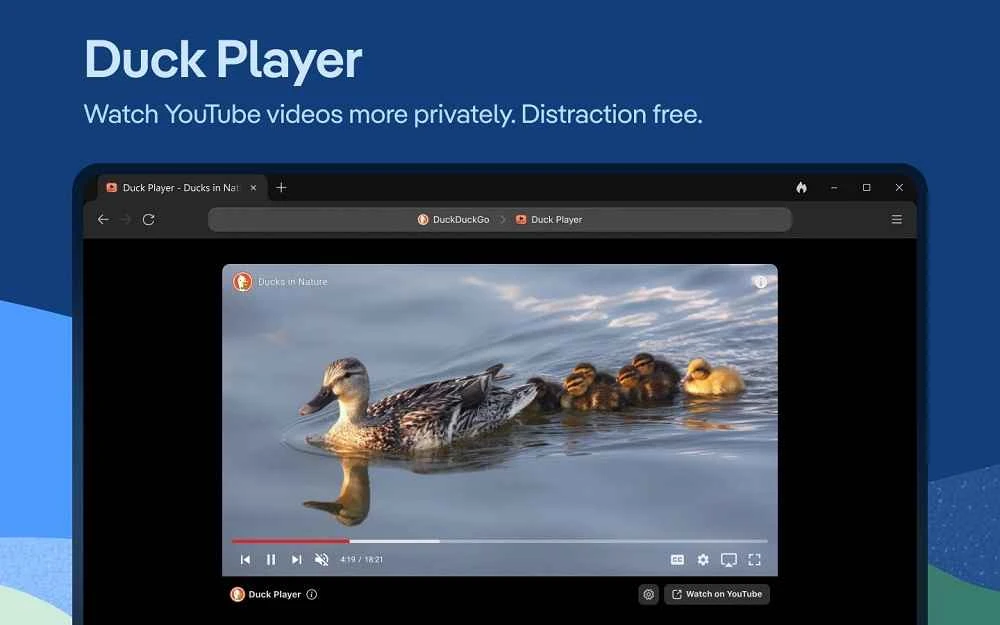
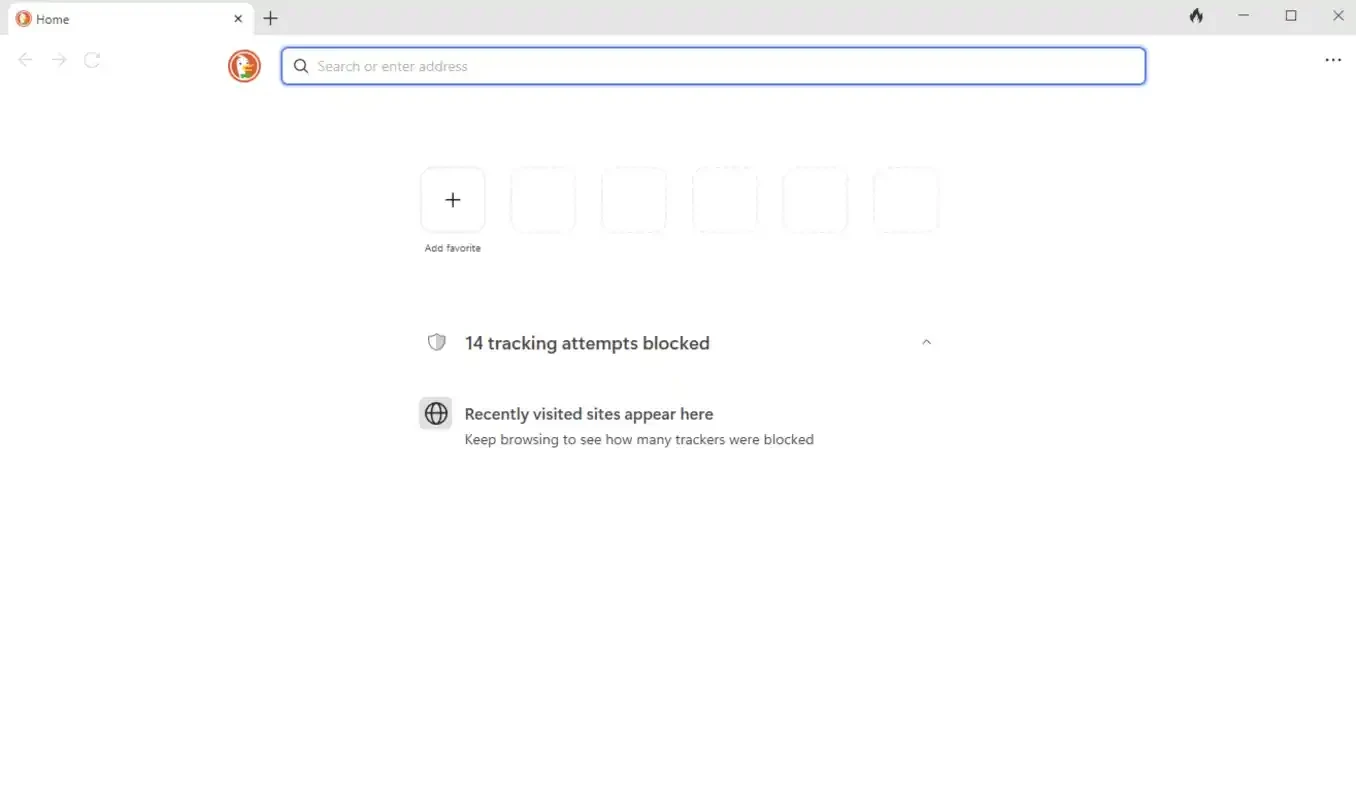
DuckDuckGo 0.169.3.0 for Windows is the desktop browser from the company behind the privacy-focused DuckDuckGo search engine, and you can download it free from duckduckgo.com. It is built for people who want private search and tracker blocking to be the default, not something they have to set up.
DuckDuckGo has run its search engine since 25 September 2008, with the promise of not profiling the people who use it. The Windows browser extends that idea to the whole browsing session. It suits people who already use DuckDuckGo search and would like the same approach everywhere, without installing extensions or learning privacy settings. It fits families and less technical users who want a browser where the safe choice is already made. And it appeals to anyone tired of cookie banners and trackers following them from site to site. It is a less natural fit for power users who depend on a large extension library or on deep integration with a particular ecosystem; they may prefer a Chromium or Firefox-based browser with add-ons. Many people install it as a second browser for everyday reading while keeping another one for work tools.
| Version | 0.169.3.0 |
|---|---|
| Developer | DuckDuckGo |
| License | Freeware; parts of the code under Apache License 2.0 |
| Platform | Windows |
| Updated | September 2026 |
| Size | about 1.22 GB according to catalogue data |
The browser is made for current versions of Windows, and some features may be missing on older builds of the system. Keeping Windows updated avoids most compatibility problems.
New features are listed on the What's New page.
Download only from duckduckgo.com. A privacy browser from an unknown mirror defeats its purpose, because a modified build could collect exactly the data it promises to protect. Blocking trackers also does not stop phishing, so keep checking addresses before you log in anywhere.
The browser and search are free. DuckDuckGo also sells an optional subscription with additional privacy services.
Brave Browser, Firefox, Mullvad Browser and LibreWolf are privacy-minded browsers for Windows in the same category.
Opera is a free web browser for Windows from Opera Software. The stable release is 136.0.6008.22, published on 17 September 2026.

UC Browser for Windows is the desktop version of the web browser from UCWeb, a Chinese mobile internet company.

Google Translate is Google's multilingual machine translation service, used on Windows through the website and a browser extension.

Microsoft Edge is Microsoft's web browser, preinstalled on current Windows versions and available as a free download for reinstalling or updating.

Mozilla Firefox is a free and open-source web browser developed by Mozilla, available for Windows, macOS, Linux, Android and iOS.

Google Chrome is the free web browser from Google. The stable Windows release is 154.0.8037.58, out since 22 September 2026.

Cent Browser is a free Chromium-based browser for Windows from Cent Studio that adds mouse gestures, tab tweaks and other power-user options.